
G20 flying mouse 2.4G wireless voice remote control with 6-axis gyroscope sensor for air cursor control on computers and Android devices, featuring 18 buttons and 10-metre range in ABS plastic and silicone build


G20 flying mouse 2.4G wireless voice remote control with 6-axis gyroscope sensor for air cursor control on computers and Android devices, featuring 18 buttons and 10-metre range in ABS plastic and silicone build
G20 2.4G Wireless Flying Mouse Remote with 6-Axis Gyroscope and Voice Control
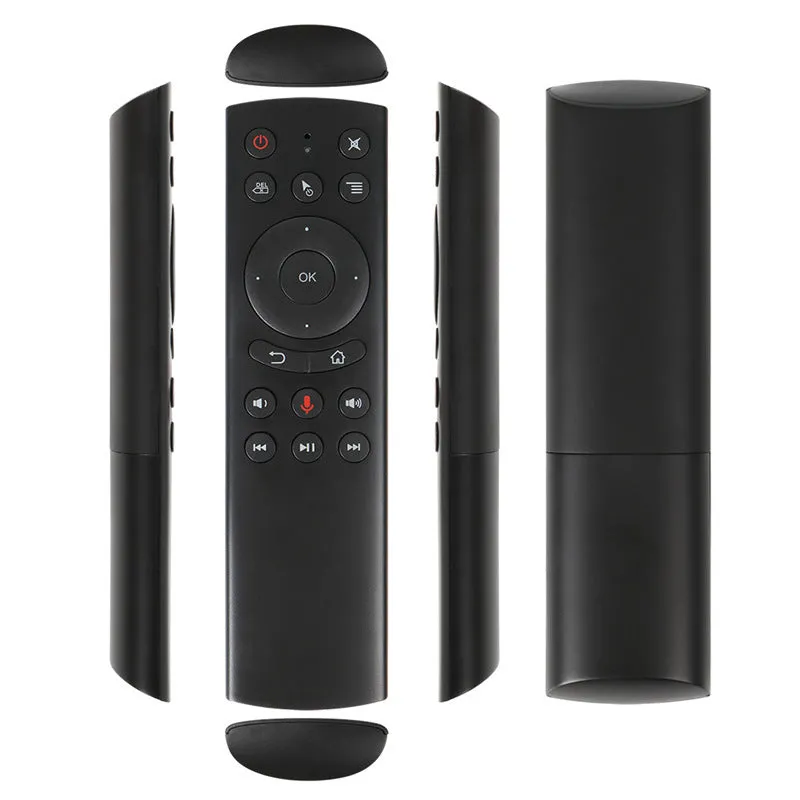
The G20 flying mouse remote revolutionises how you interact with computers and Android-based media players by replacing traditional desktop peripherals with intuitive air control. As its name suggests, this device functions as a mouse that 'flies' through the air, using built-in motion sensors to translate your hand movements directly into on-screen cursor navigation. This 2.4G wireless solution is designed for scenarios where conventional keyboards and mice are impractical, such as when using a home theatre PC from a sofa, presenting slides in a meeting room, or playing motion-based games. By simply waving the remote in the air, you gain precise control over your device without being tethered to a desk, combining the convenience of a remote with the precision of a mouse.
Features and Construction
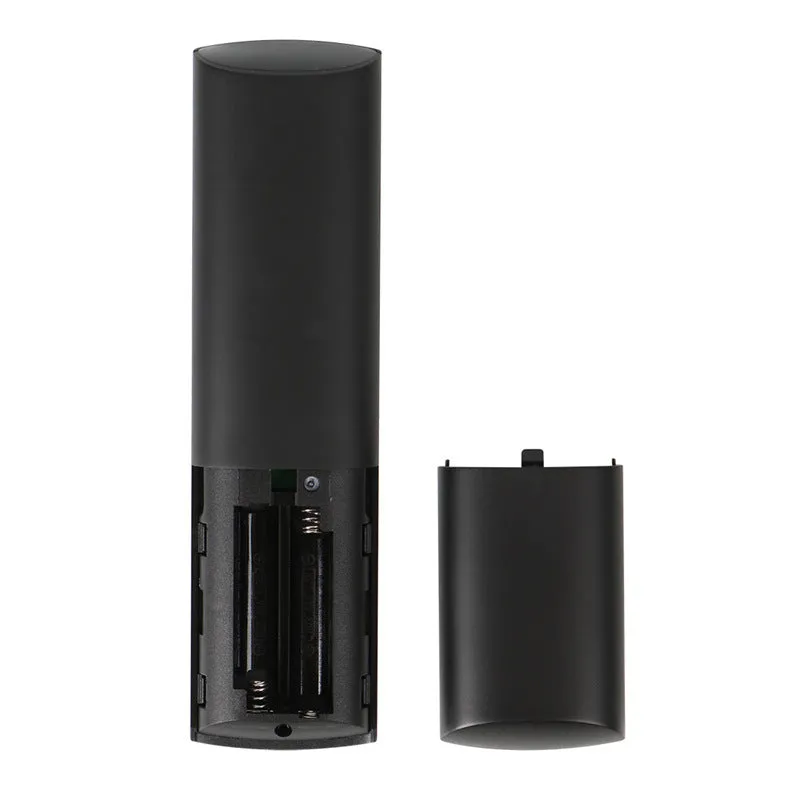
The G20 flying mouse is built around core technologies that enable its unique air navigation capabilities, packaged in a practical, handheld form factor designed for extended use.
Material and Build
The remote's chassis is manufactured from ABS plastic, a material chosen for its durability and lightweight properties that make the device comfortable to hold during prolonged use. The 18 control buttons are crafted from silicone, providing a soft-touch feel and responsive actuation without the hard plastic click of traditional remotes. This material combination results in a device that feels substantial yet not heavy, with the silicone buttons offering tactile feedback that helps confirm inputs without requiring you to look away from the screen. The construction focuses on practical ergonomics rather than decorative styling, with all components serving functional roles in the device's operation.
Size and Practical Fit
With dimensions of 160mm in length, 45mm in width, and 20mm in thickness, the G20 flying mouse is designed to fit comfortably in most hand sizes while providing ample surface area for its 18 buttons. The elongated shape facilitates natural pointing gestures when using the gyroscope functions, while the thickness allows for secure grip during motion-controlled activities. At these proportions, the device is substantial enough to house its internal components and batteries yet compact enough for single-handed operation throughout extended browsing or media playback sessions. The form factor prioritises functional ergonomics that support the core air mouse functionality rather than mimicking conventional remote designs.
Uses and Placement
This flying mouse remote serves as a versatile control solution for various digital environments, bridging the gap between traditional computing interfaces and relaxed media consumption setups.
Event or Professional Use
In presentation or meeting scenarios, the G20 flying mouse allows presenters to control slides, videos, or interactive content from anywhere in the room without being anchored to a laptop. The 10-metre wireless range provides ample freedom to move around while maintaining control, making it suitable for lecture halls, conference rooms, or exhibition spaces where the presenter needs to engage with both the audience and the content. The air mouse functionality enables natural pointing gestures to highlight screen elements during demonstrations, while the 18 buttons offer quick access to navigation functions without requiring a separate clicker or keyboard. This makes it particularly useful for educational settings, business presentations, or public displays where traditional input devices would limit mobility.
Everyday Home Use
For home entertainment systems, the G20 transforms how you interact with your living room media centre by allowing sofa-based control of computers, Android media players, or smart TV interfaces. Instead of leaning forward to use a wireless keyboard trackpad, you can browse streaming services, navigate media libraries, or control playback with simple hand movements from a reclined position. The device supports web browsing, social media interaction, and online communication from comfortable seating arrangements, eliminating the need for makeshift lap desks or awkward reaching. When configured with Android-based set-top boxes or mini PCs, it provides comprehensive control that goes beyond standard infrared remotes through its precise cursor navigation and multiple function buttons.
Benefits and Buying Value
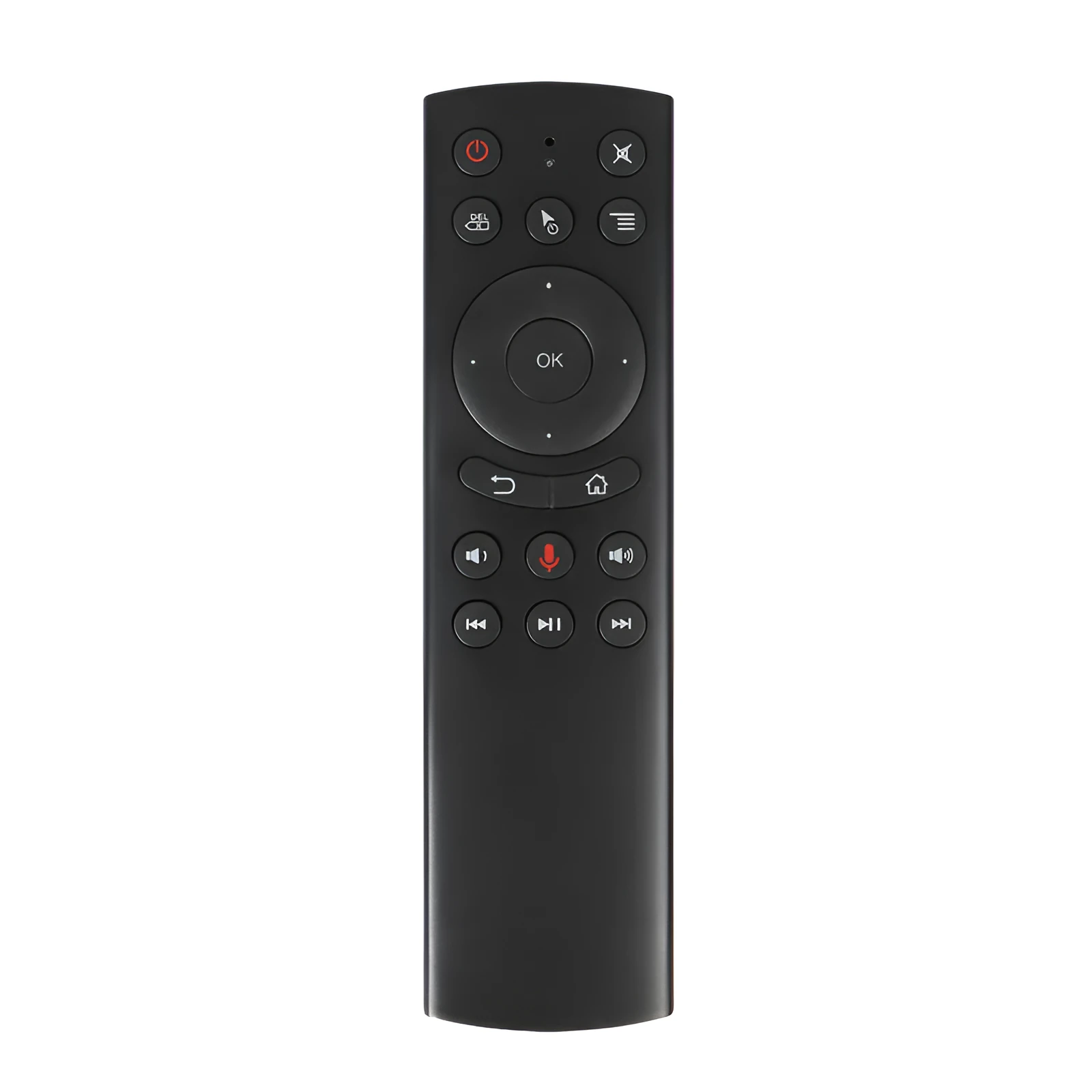
The G20 flying mouse remote offers practical advantages over conventional control methods through its unique combination of technologies and thoughtful implementation of motion-sensing interfaces.
Reuse and Low Maintenance
Powered by two standard AAA batteries, the device maintains compatibility with commonly available power sources rather than requiring proprietary rechargeable packs that might fail over time. The ABS plastic construction resists cosmetic wear from regular handling, while the silicone buttons are designed to withstand repeated pressing without degradation of tactile response. The 2.4G wireless connection uses a standard USB receiver that can be transferred between compatible devices, extending the remote's usefulness across multiple computers or media players in your home or office. This focus on standard components and durable materials supports extended service life without specialised maintenance requirements beyond occasional battery replacement.
Why Choose This Product
The G20 distinguishes itself through its implementation of a 6-axis gyroscope that enables genuine air mouse functionality rather than simpler motion-sensing approaches. This sensor configuration allows for precise cursor control that responds accurately to both directional movements and rotational gestures, providing navigation that feels intuitive rather than gimmicky. The inclusion of both voice control and combined voice-plus-gyroscope operation modes offers flexibility in how you interact with different applications or adapt to varying environmental conditions. With 18 physical buttons complementing its motion capabilities, it provides more direct control options than basic presentation remotes while maintaining the convenience of wireless operation from any position within its 10-metre range.