
Free Wolf X2 wireless mouse with 2.4GHz and Bluetooth 5.3 dual-mode connectivity, featuring a 12000 DPI sensor, 6 programmable buttons, and up to 120 hours of battery life for PC gaming and office work.
Black
£50.98
Skip to product information

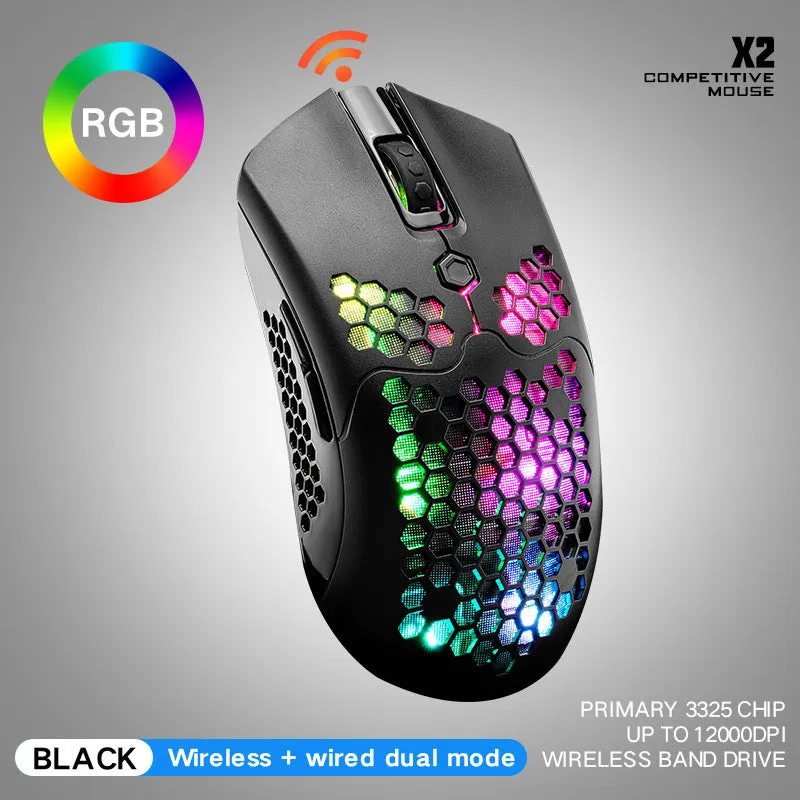 The Free Wolf X2 wireless mouse is built to handle the demands of both competitive gaming and intensive office work. It connects via a low-latency 2.4GHz dongle or modern Bluetooth 5.3, allowing you to pair it with two devices at once—like a gaming PC and a work laptop—and switch between them with a toggle. The 12000 DPI optical sensor provides pinpoint accuracy for in-game flicks or detailed photo editing, with five preset DPI levels for quick adjustments. With up to 120 hours of battery life, it's designed to keep up with marathon sessions without constant charging interruptions, all housed in an ambidextrous shape that suits various grip styles.
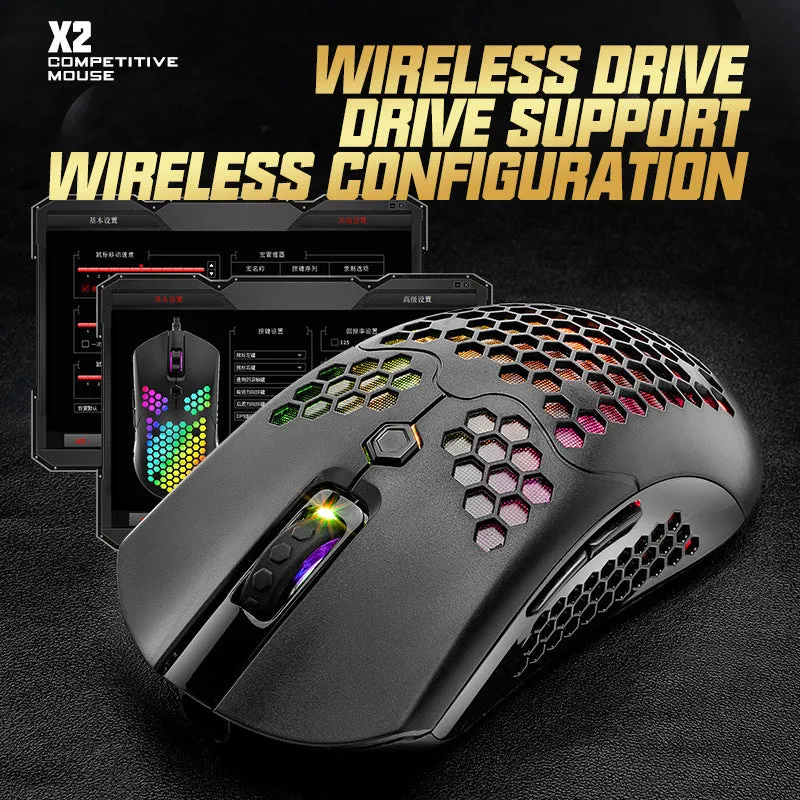 This section details the specific materials, technical specifications, and construction elements that define the Free Wolf X2's performance and longevity. We'll look at the sensor technology, the choice of plastics and switches, and the design considerations that contribute to its daily use.
 The Free Wolf X2's feature set makes it versatile for different users. Below are specific scenarios where its dual-mode connectivity, programmable buttons, and long battery life provide tangible advantages, whether you're in a heated online match or managing a complex spreadsheet.
 Investing in a peripheral like this involves considering its longevity, cost per use, and the practical benefits it delivers over time. Here we break down the value proposition based on its construction, battery life, and adaptable feature set.


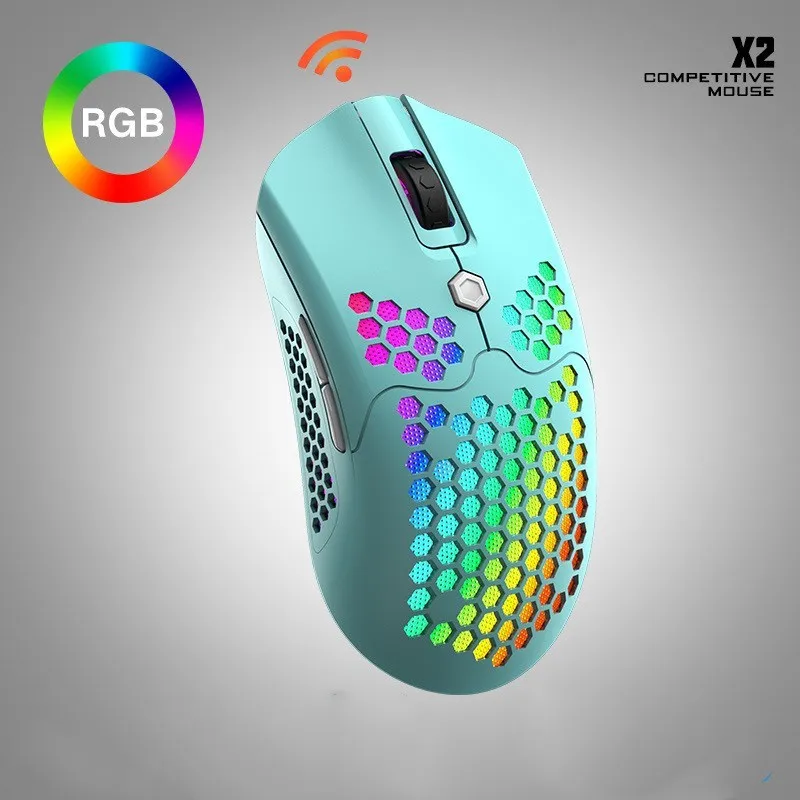


Free Wolf X2 wireless mouse with 2.4GHz and Bluetooth 5.3 dual-mode connectivity, featuring a 12000 DPI sensor, 6 programmable buttons, and up to 120 hours of battery life for PC gaming and office work.
£50.98
Free Wolf X2 Wireless Mouse: Dual-Mode Connectivity with 12000 DPI for Gaming and Work
Features and Build Quality of the Wireless Mouse
Ergonomic Shape and Surface Design
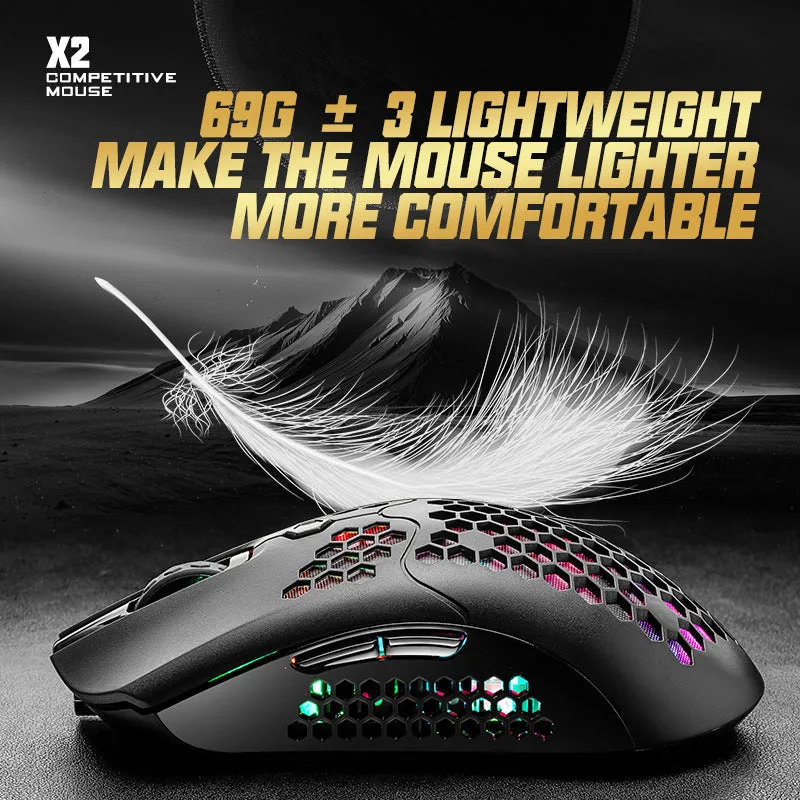
The mouse features a symmetrical, ambidextrous shape measuring 12.5 cm in length, 6.8 cm in width, and 3.9 cm in height, making it suitable for claw, fingertip, and palm grip styles. Its total weight of 85 grams provides a light feel for quick movements without sacrificing stability. The main shell uses smooth, matte-finish ABS plastic, while the sides are coated with a textured rubber material that increases grip. This combination helps prevent hand fatigue during long periods of use by providing a secure, comfortable hold without requiring excessive force.Optical Sensor and Performance Specifications
At its core is a PAW3519 optical sensor capable of a maximum sensitivity of 12000 DPI. The DPI can be cycled through five preset levels—800, 1600, 3200, 6400, and 12000—via a dedicated button below the scroll wheel. This sensor supports a tracking speed of 220 IPS (inches per second) and an acceleration of 30G, ensuring the cursor keeps up with rapid, sweeping arm movements on desks or mouse mats. The left and right click buttons use Huano blue shell white dot micro switches, rated for 10 million clicks, providing a crisp, audible feedback with each press.Durability and Internal Construction
Durability is supported by the ABS plastic shell's resistance to minor impacts and the POM material used for the scroll wheel, which resists wear from friction. The mouse feet are made from pure PTFE (Teflon), offering a smooth, consistent glide across hard and cloth surfaces with minimal scratching. Internally, the 500mAh lithium battery is secured to prevent rattling, and the PCB (printed circuit board) uses gold-plated USB-C contacts for reliable charging cycles. The construction avoids creaking or flexing when pressure is applied to the sides, indicating a solid internal frame.Practical Applications for Gamers and Professionals
Use in Competitive and Casual Gaming
For gamers, the 1ms report rate in 2.4GHz mode minimises input lag, which is crucial for first-person shooters where reaction times are measured in milliseconds. The two side buttons can be programmed to actions like 'reload' or 'melee attack', while the DPI shift button can be set to a sniper mode for precise aiming. The 12000 DPI setting allows for very low physical mouse movement for broad in-game camera turns, useful in MOBA or RTS games. The RGB lighting can be set to a static colour to match your setup or disabled entirely to maximise the 120-hour battery life during long gaming weekends.Everyday Office and Creative Work Use
In an office or home studio, the Bluetooth 5.3 mode saves a USB port on your laptop and provides stable connectivity for video editing or coding. The smooth glide of the PTFE feet, combined with the mouse's light weight, reduces wrist strain during all-day use. You can programme the side buttons to common shortcuts like 'Copy' (Ctrl+C) and 'Paste' (Ctrl+V) or application-specific commands in Adobe Photoshop, such as 'Undo'. The tactile feedback from the scroll wheel, with its defined notches, makes navigating long documents or web pages feel controlled and precise, without accidental overscrolling.Versatility Across Multiple Devices and Setups
The dual-mode capability allows you to connect the 2.4GHz dongle to a desktop PC for primary use and pair via Bluetooth to a tablet or secondary laptop. This is particularly handy for users who work across multiple devices, as you can switch the connection from your work computer to a personal device with a slide of the mode switch. The mouse works on most surfaces, including wood, plastic, and fabric mouse mats, so you're not tied to a specific desk setup. Its compact size and lack of a cable also make it easy to slip into a laptop bag for commuting or working from a café.Long-Term Benefits and Value Considerations
Cost Efficiency and Battery Longevity
User Satisfaction and Reliable PerformanceFinal Reason to Choose This Mouse</h3 Choose the Free Wolf X2 wireless mouse if you need a single peripheral that reliably bridges gaming and work without compromise. Its measurable advantages include the 120-hour battery life that outlasts many competitors, the dual-mode connectivity that offers flexibility, and the six programmable buttons that provide customisation most basic office mice lack. The specific dimensions and weight make it a practical tool for various hand sizes and desk environments. It represents a focused investment in a tool designed to perform consistently across different applications, eliminating the need for separate mice for different tasks.